
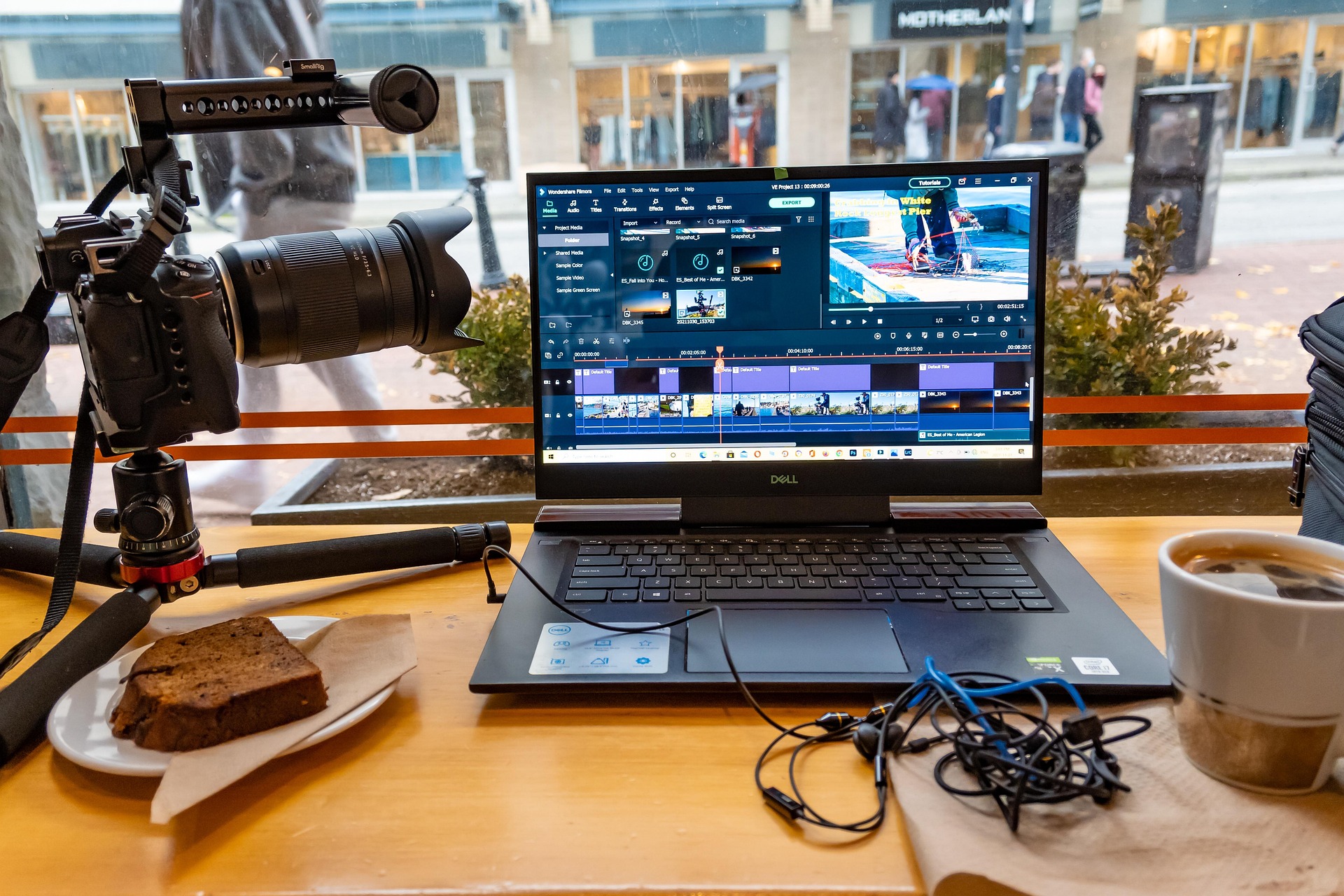
A good video can start on set, but the final quality is often decided during post-production.
For videographers, the editing process can become complicated very quickly. A single project may contain multiple camera angles, separate audio recordings, B-roll, drone footage, interviews, graphics, music, client references, and several versions of the final video.
Without a repeatable workflow, post-production can become slow and stressful.
A professional video editing workflow helps you move from raw footage to a finished video in a more organized way while reducing mistakes, unnecessary revisions, and wasted time.
For teams that need extra editing capacity, outsourcing part of post-production to a professional editing partner can help.
1. Organize Your Footage Before Editing
The first step is not cutting. It is organization.
Create a clear folder structure for every project. A simple structure might look like:
- Project Name
- Footage
- Audio
- B-Roll
- Music
- Graphics
- Logos
- Project Files
- Exports
- References
Keep the original camera files untouched and avoid moving source footage after the editing project has been created. This makes relinking and project management much easier.
For multi-camera projects, separate footage by camera or shooting location where necessary.
2. Review All Important Footage
Do not immediately start making the final edit. First, understand what you have.
Review your footage and identify:
- Strong takes
- Weak takes
- Important moments
- Clean dialogue
- Useful B-roll
- Establishing shots
- Emotional reactions
- Product details
- Alternate camera angles
- Potential mistakes
For interview-based projects, a transcript or marker system can make this process much faster. The goal is to understand the story before you start building it.
3. Build the Rough Cut
The rough cut is about structure, not perfection. At this stage, focus on answering one question: Does the story work?
Choose the best performances and assemble the main narrative. Avoid spending too much time on advanced animations, sound effects, or detailed color grading before the structure is locked.
A beautiful section that later gets removed is still wasted editing time.
4. Improve the Pacing
Once the story works, begin improving the rhythm. Look for:
- Long pauses
- Repeated statements
- Unnecessary sentences
- Slow transitions between ideas
- Shots that stay on screen too long
- Moments where B-roll can improve visual variety
Good pacing does not always mean making a video faster. Sometimes a slower moment creates emotion. The goal is to make every cut feel intentional.
5. Add B-Roll and Supporting Visuals
B-roll helps hide cuts, explain ideas, establish locations, and make the video more visually engaging.
For example, if someone says: “We spent three days filming this project.” You could show production footage, camera setup, location shots, behind-the-scenes moments, and finished footage.
The B-roll should support the message rather than simply fill empty space.
6. Clean and Mix the Audio
Viewers may forgive a small visual imperfection. Poor audio is much harder to ignore.
Start by making dialogue clear and consistent. Then balance:
- Dialogue
- Background music
- Sound effects
- Ambient sound
Avoid allowing music to compete with speech. Professional sound design is often subtle. The viewer should feel that the video sounds polished without constantly noticing the effects.
7. Color Correction Before Creative Grading
Color correction and color grading have different purposes. Correction is mainly about creating a balanced and consistent image. Grading is about creating a creative visual style.
A practical workflow is: Correct → Match → Grade → Final Check
This is particularly important when combining multiple cameras. A consistent image usually looks more professional than a heavily stylized image that contains exposure or white-balance inconsistencies.
8. Add Graphics and Motion
Now you can add the finishing visual elements:
- Titles
- Lower thirds
- Captions
- Brand graphics
- Logos
- Call-to-action animations
- Motion graphics
Keep the visual language consistent. Your font, colors, animation style, and spacing should feel like part of the same brand.
9. Complete a Quality-Control Pass
Before exporting, watch the complete video. Do not only check the timeline. Watch the final sequence as a viewer.
Look for:
- Spelling errors
- Missing graphics
- Audio peaks
- Black frames
- Unwanted cuts
- Poor transitions
- Color inconsistencies
- Caption mistakes
- Incorrect logos
- Missing shots
- Export problems
A final QC pass can catch mistakes that are easy to miss while editing.
10. Export for the Correct Platform
The final export should match the intended destination. A YouTube video, Instagram Reel, TikTok video, LinkedIn video, and commercial may require different framing and delivery considerations.
Always confirm: Resolution, Aspect ratio, Frame rate, Audio, Compression, File format, and Safe areas for text.
Do not create one export and assume it will work perfectly everywhere.
Final Thoughts
A professional video editing workflow is not about adding more effects. It is about making better decisions in the right order.
Organize first. Build the story. Improve pacing. Add supporting visuals. Clean the sound. Correct the color. Add graphics. Perform QC. Then export.
When your workflow becomes repeatable, editing becomes easier to scale.
For videographers who want to spend more time shooting and less time inside the timeline, outsourcing part or all of post-production can also be a practical option.
Businesses and agencies often use a dedicated editing partner to keep production moving.