
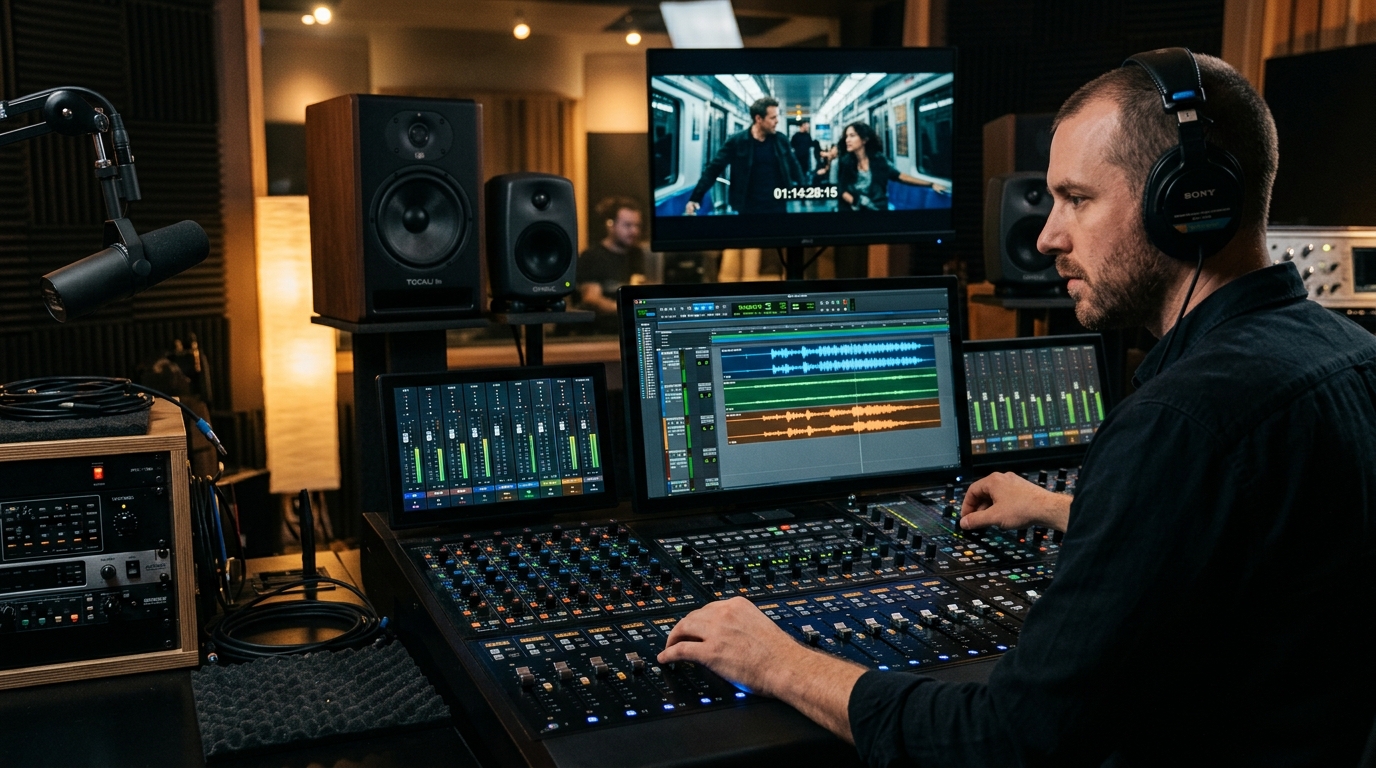
1. Start With Clean Dialogue
For videos with speaking, dialogue is usually the priority. Before adding music or effects, make sure the voice is clear, consistent, and properly balanced.
2. Use Room Tone and Ambient Sound
Silence inside a video is rarely completely silent. Rooms have natural sound. When these sounds disappear completely after a cut, the edit can feel artificial.
3. Choose Music That Supports the Message
Music affects emotion. Choose music based on the story rather than choosing a track simply because it sounds good.
4. Control Music Under Dialogue
When someone is speaking, the music should normally sit behind the voice. The viewer should never struggle to understand the speaker because of the music.
5. Use Sound Effects to Add Meaning
Sound effects can emphasize actions and transitions. Use them where they add information or energy. Do not add a whoosh to every transition just because you can.
6. Think in Layers
A useful sound-design mindset is to build multiple layers: Dialogue → Music → Ambience → Sound Effects. Each layer has a defined purpose.
7. Use Silence Intentionally
Silence can be powerful. A sudden reduction in music or ambient sound can create emphasis before an important statement.
Final Thoughts
A professional video editing workflow helps you move from raw footage to a finished video in a more organized way while reducing mistakes, unnecessary revisions, and wasted time. Good editing is about making better decisions in the right order.