
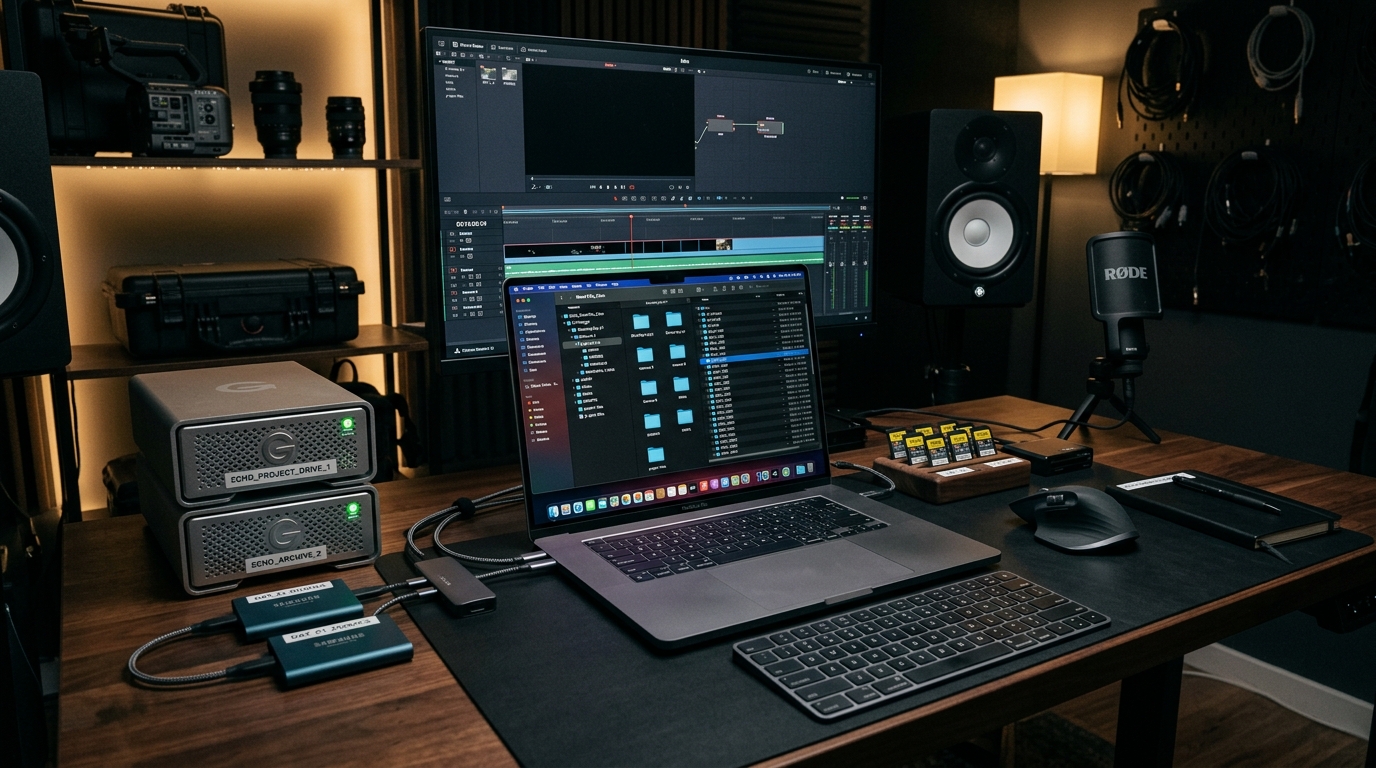
1. Keep the Original Camera Files
Do not rename or modify original camera files unnecessarily. Create a separate project folder and preserve your source media.
2. Separate Footage by Camera
If you recorded with multiple cameras, organize footage by source. This becomes especially useful for interviews, events, commercials, podcasts, and multi-camera productions.
3. Include All Relevant Audio
Audio is one of the easiest assets to forget. Provide camera audio, lavalier recordings, voice-over, and ambient audio.
4. Provide the Project Goal
Your editor needs to know what the video is supposed to accomplish. The more clearly you explain the objective, the easier it is for an editor to make creative decisions.
5. Share Reference Videos
Reference videos are extremely useful. Instead of trying to describe an editing style using dozens of adjectives, provide one or two examples.
6. Include Brand Assets
For branded content, provide your logo, brand colors, fonts, brand guidelines, and existing graphics.
7. Explain the Desired Deliverables
Before editing begins, define what you actually need. For example: One 10-minute YouTube video, Five Shorts, Three Instagram Reels.
8. Explain Your Revision Process
Tell the editor how feedback will be provided. A structured revision system with timestamps is much better than sending ten separate messages throughout the day.
Final Thoughts
A professional video editing workflow helps you move from raw footage to a finished video in a more organized way while reducing mistakes, unnecessary revisions, and wasted time. Good editing is about making better decisions in the right order.