
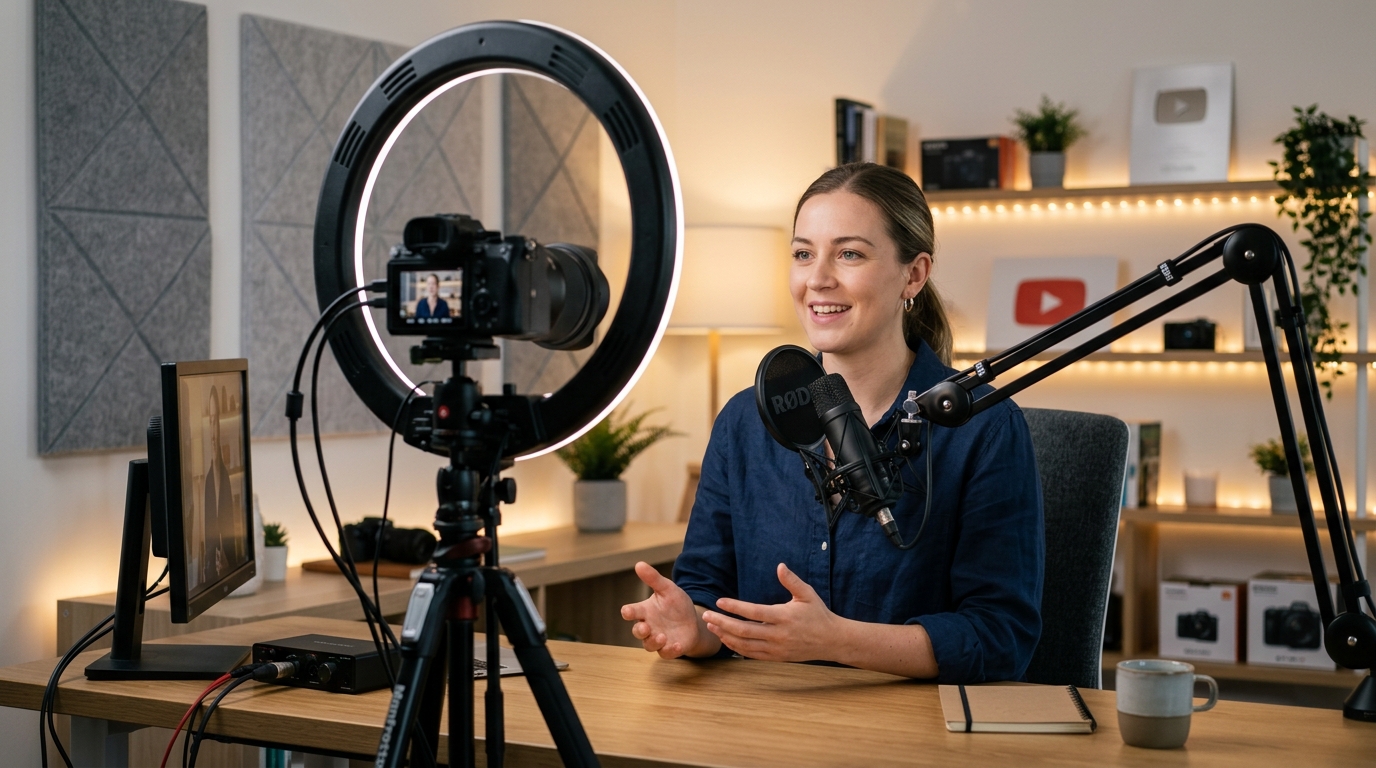
1. Start With the Strongest Version of the Message
Before adding graphics, determine what the speaker is actually trying to say. Remove repeated sentences, false starts, long pauses, and off-topic sections.
2. Fix Pacing Without Making It Feel Artificial
Cutting everything extremely tight can make a person sound unnatural. Not every pause needs to disappear. Some pauses create emphasis.
3. Use Jump Cuts Intelligently
Jump cuts are normal in modern talking-head editing. But too many obvious cuts can become distracting. Use visual variation to reduce repetition.
4. Add Punch-In Zooms With Purpose
Zooms can emphasize an important statement. Do not zoom randomly. Use visual changes when there is a reason.
5. Use B-Roll to Explain the Idea
B-roll should support the spoken message. This creates visual context instead of simply covering a jump cut.
6. Use Captions Strategically
Captions can improve accessibility and make important statements easier to follow. But captions should remain readable.
7. Improve Audio Before Adding Fancy Visuals
Clear audio should come first. Clean up unwanted noise where possible and balance the speaker's volume.
8. Create Visual Rhythm
Good talking-head editing creates a rhythm between speech and visual information. This prevents long sections from feeling visually repetitive.
Final Thoughts
A professional video editing workflow helps you move from raw footage to a finished video in a more organized way while reducing mistakes, unnecessary revisions, and wasted time. Good editing is about making better decisions in the right order.