
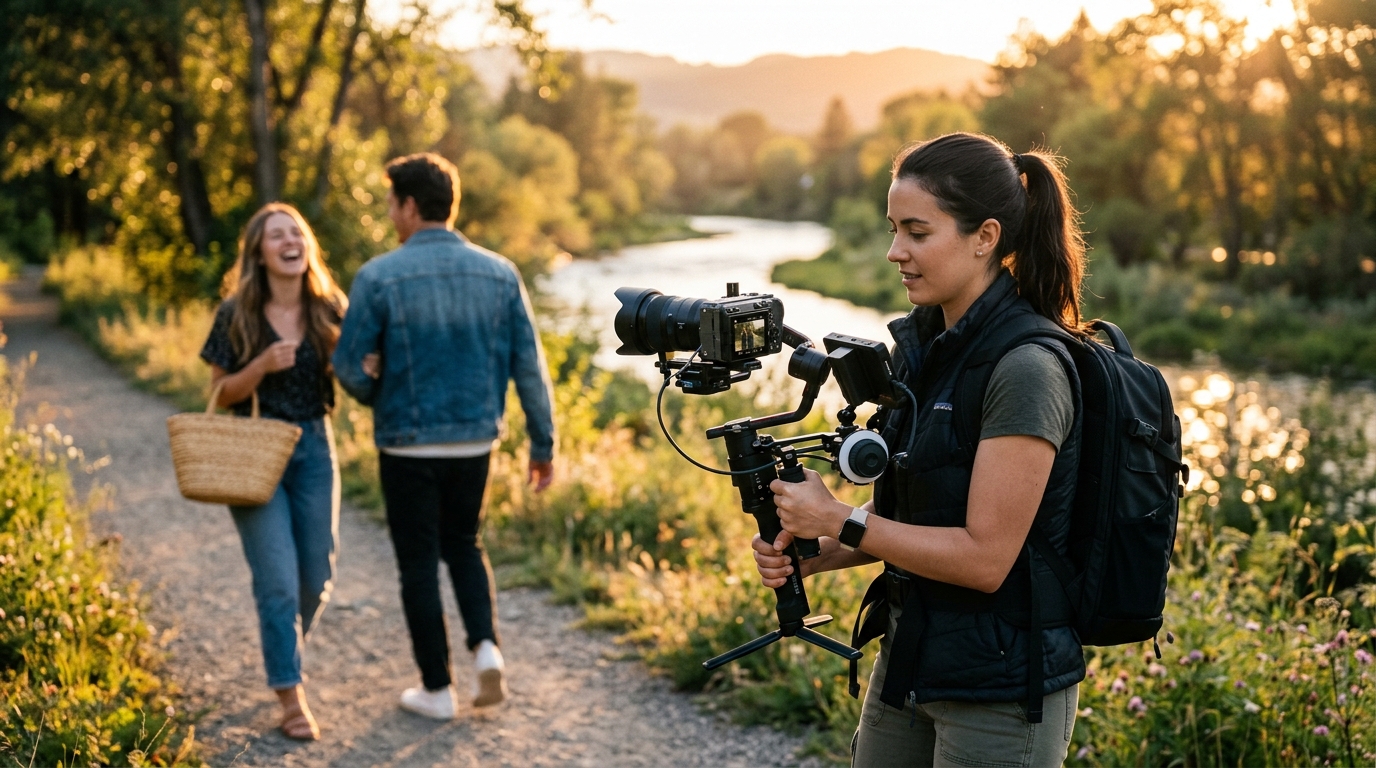
What Is B-Roll?
A-roll is usually the main content, such as the person speaking. B-roll is supporting visual material, like product shots, location footage, and screen recordings.
1. Use B-Roll to Explain
The strongest reason to use B-roll is to show what the speaker is talking about. This is more useful than showing random cinematic footage.
2. Use B-Roll to Hide Cuts
Talking-head videos often contain jump cuts. B-roll can cover those transitions. But the B-roll should still make sense.
3. Use Different Shot Sizes
A good sequence often contains visual variation. For example: Wide shot → Medium shot → Close-up → Detail. This creates rhythm.
4. Use Movement Carefully
Movement naturally attracts attention. But constant motion becomes tiring. Not every shot needs to move.
5. Don't Use B-Roll Just Because You Have It
Videographers often shoot beautiful footage. That does not mean every beautiful shot belongs in the edit. Does this shot support the story?
6. Use B-Roll for Emotional Rhythm
B-roll can change the feeling of a scene. A fast sequence can increase energy. A slower sequence can create reflection.
Final Thoughts
A professional video editing workflow helps you move from raw footage to a finished video in a more organized way while reducing mistakes, unnecessary revisions, and wasted time. Good editing is about making better decisions in the right order.